Marketing Android app effectively requires a strategic approach combining app quality, ASO, branding, onboarding, social media, content marketing, paid advertising, referrals, and data-driven optimization. By targeting the right audience, improving retention, and continuously refining campaigns, businesses can increase visibility, downloads, engagement, and achieve sustainable long-term app growth.
Start with a Great App
Before you start any marketing, make sure your app works well. No one wants to use a slow or buggy app. Here are some tips:
- Test your app on different devices.
- Fix any bugs.
- Make sure your app is easy to use.
- Use a clean and attractive design.
Good reviews and word-of-mouth only come if your app is useful and works smoothly.
Know Your Target Audience
Who is your app for? Is it for students, business owners, travelers, or gamers? You need to understand:
- Their age group
- Their interests
- What problems do they face
- How your app can help them
Once you know your target users, it becomes easier to reach them with the right message.
Create a Beautiful App Icon and Screenshots
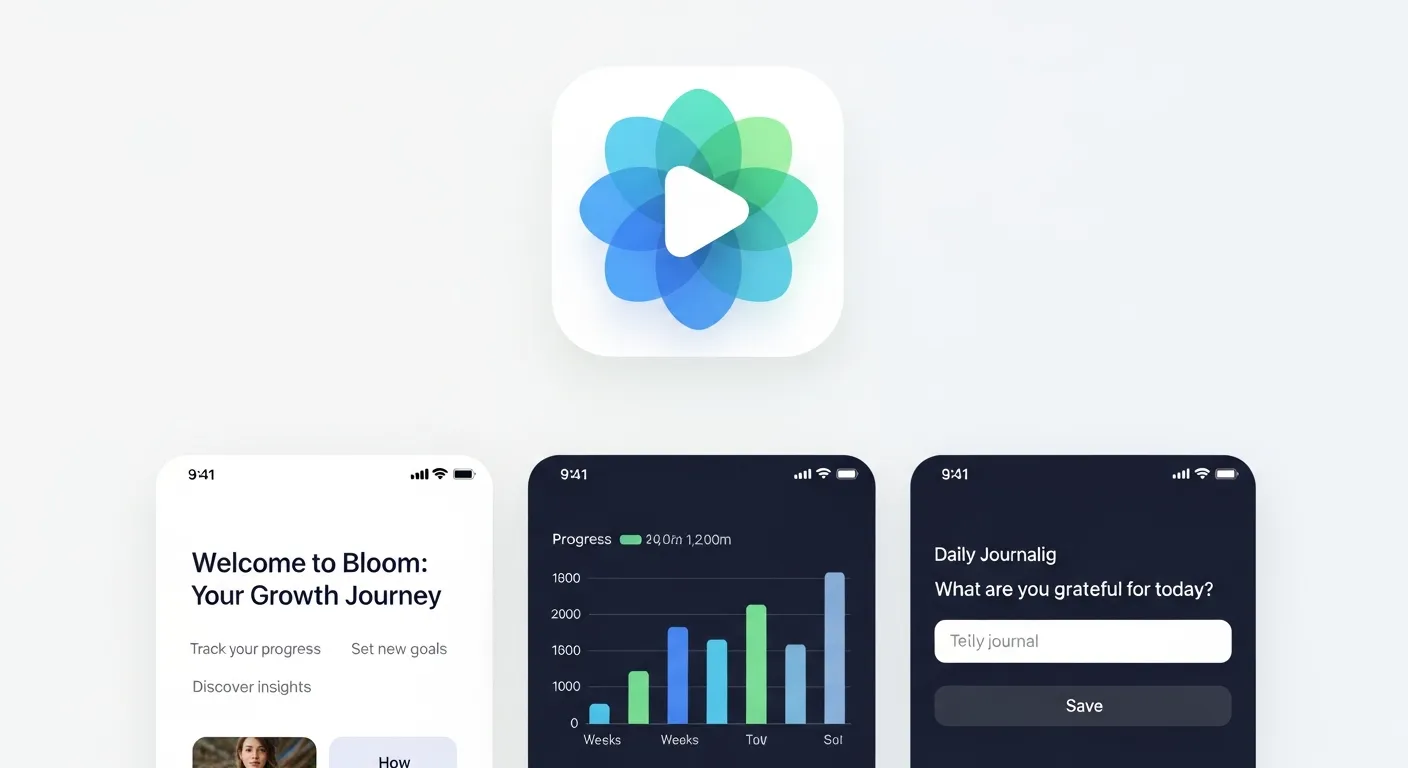
When people see your app on the Google Play Store, your icon is the first thing they notice. Make sure it is:
- Simple
- Clear
- Eye-catching
Also, add high-quality screenshots of your app. Show the main features and how it looks when being used. Add short descriptions under each screenshot to explain what the app does.
Write a Great App Description
Your app description should be simple and clear. Tell users what your app does and how it helps them. Include:
- A short introduction
- A list of features
- Benefits of using the app
- Keywords (words that people search for)
Do not make it too long. Keep it interesting and to the point.
Optimize Onboarding Experience
The first impression of your app plays a major role in user retention. If users feel confused or overwhelmed during their first interaction, they may uninstall your app quickly. That’s why optimizing the onboarding experience is crucial when marketing your Android app effectively.
A good onboarding flow should clearly explain what your app does and how users can benefit from it. Use simple walkthrough screens, short tutorials, or interactive tips to guide new users. Avoid long explanations—keep it short, visual, and easy to understand.
Key onboarding tips:
- Show only essential features at the start
- Use visuals instead of long text
- Offer skip options for advanced users
- Provide quick help or tooltips
An optimized onboarding experience improves engagement, increases retention, and builds long-term user trust.
Use App Store Optimization (ASO)
App Store Optimization helps your app appear higher in search results on the App Store. Here’s how to do it:
- Use keywords in the title and description.
- Choose the right category.
- Add tags related to your app.
- Encourage users to leave reviews and ratings.
Better ASO = More visibility = More downloads.
Create a Website or Landing Page
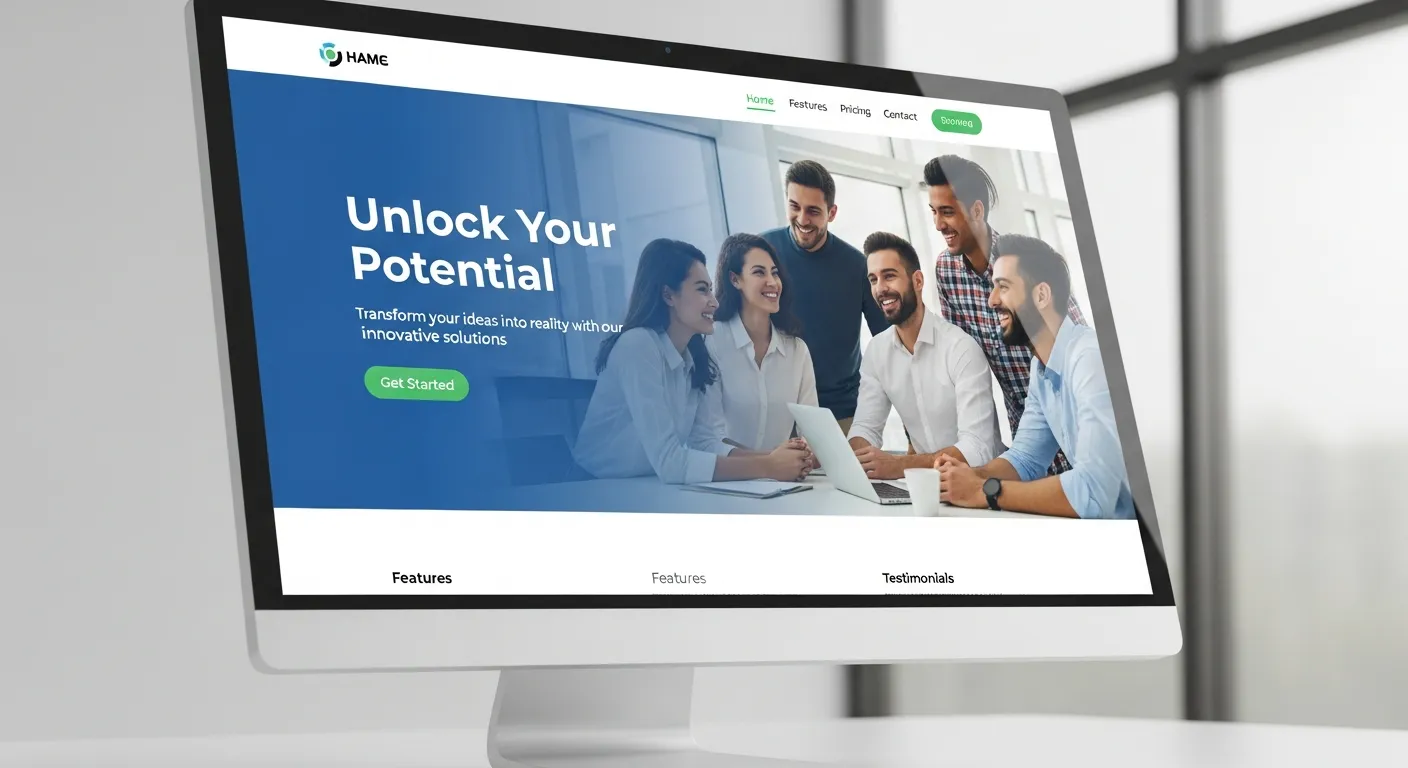
Having a website or even a simple landing page for your app helps build trust. It also gives users more information and can bring traffic from search engines.
Your app’s website should include:
- App name and logo
- Short description
- Screenshots and demo video
- Download links (Google Play Store)
- Contact information
- Social media links
You can use free website builders like Wicks, WordPress, or Card to make a simple site.
Build a Strong Brand Identity
A strong brand identity makes your app memorable and recognizable. It includes your logo, color scheme, typography, tone of voice, and overall messaging style. Consistent branding across your app, website, social media, and advertisements builds credibility and trust.
To build a strong brand identity:
- Choose a consistent color palette
- Use the same logo and fonts everywhere
- Maintain a friendly and clear tone
- Develop a unique brand voice
Branding is an essential part of a mobile app marketing strategy because it helps users remember your app and emotionally connect with it, increasing loyalty and long-term engagement.
Start a Blog
A blog can help you reach more people through search engines like Google. You can write posts about:
- Problems your app solves
- Tips and guides
- Updates about the app
- User stories
This also helps in improving your website’s SEO (Search Engine Optimization) and brings organic traffic.
Share on Social Media
Social media is a powerful tool for promoting your app. You can post about your app on:
- Twitter (now X)
- TikTok
Share updates, tips, behind-the-scenes content, and user reviews. Use hashtags to reach more people. You can also join groups or communities related to your app’s topic and share it there.
Make a Promo Video
A short video showing how your app works can be very helpful. It can be 30 seconds to 1 minute long. Show the main features and benefits in action. You can upload this video to:
- YouTube
- Your app website
- Google Play Store listing
- Social media
People often understand better through video than by reading.
Get Reviews from Bloggers and YouTubers
Reach out to bloggers and YouTubers who review apps. Send them a friendly email with:
- A short message about your app
- What makes it special
- A download link
If they like it, they may write about it or make a video, which brings you more users.
Encourage User Reviews and Ratings
Positive reviews can help build trust and improve your app’s visibility. Ask happy users to rate and review your app on the Play Store. You can do this by:
- Adding a pop-up inside your app
- Asking at the right moment (like after a successful action)
- Giving small rewards or features for leaving a review (optional)
Improve App Retention Strategy
Getting downloads is important, but keeping users active is even more critical. App retention measures how many users continue using your app after installation. High retention means your app delivers value.
Ways to improve retention:
- Send helpful push notifications (not spammy)
- Offer personalized content
- Introduce gamification features
- Provide regular updates and new features
- Offer rewards for active users
By focusing on retention, you maximize lifetime user value and reduce uninstall rates, making your app marketing efforts more profitable and sustainable.
Use Online Communities
You can share your app in online communities like:
- Reddit (in relevant subreddits)
- Quora (by answering questions)
- Product Hunt (to launch your app)
- Android forums and Facebook groups
Just make sure to follow the rules of the community. Don’t spam—share in a helpful way.
Leverage Referral Marketing
Referral marketing encourages existing users to invite others to use your app. This strategy can significantly increase downloads while keeping marketing costs low. People trust recommendations from friends more than advertisements.
Referral ideas:
- Offer rewards for inviting friends
- Provide premium features for successful referrals
- Give discount coupons or in-app currency
Referral programs not only increase installs but also attract high-quality users who are more likely to stay engaged. This makes referral marketing an excellent method for marketing Android app effectively.
Leverage Referral Marketing
Referral marketing encourages existing users to invite others to use your app. This strategy can significantly increase downloads while keeping marketing costs low. People trust recommendations from friends more than advertisements.
Referral ideas:
- Offer rewards for inviting friends
- Provide premium features for successful referrals
- Give discount coupons or in-app currency
Referral programs not only increase installs but also attract high-quality users who are more likely to stay engaged. This makes referral marketing an excellent method for marketing Android app effectively.
Run App Install Ads
If you have some budget, you can run ads to get more downloads. Some platforms you can use:
- Google Ads (Search and Display ads)
- Facebook and Instagram ads
- TikTok ads
- YouTube ads
Start small, test what works, and then scale up.
Use Email Marketing
If you have a website or blog, collect email addresses from users. You can send them:
- News and updates
- Tips and tricks
- New features
- Special offers
Use tools like Mailchimp or Sendinblue to send emails easily.
Track and Improve
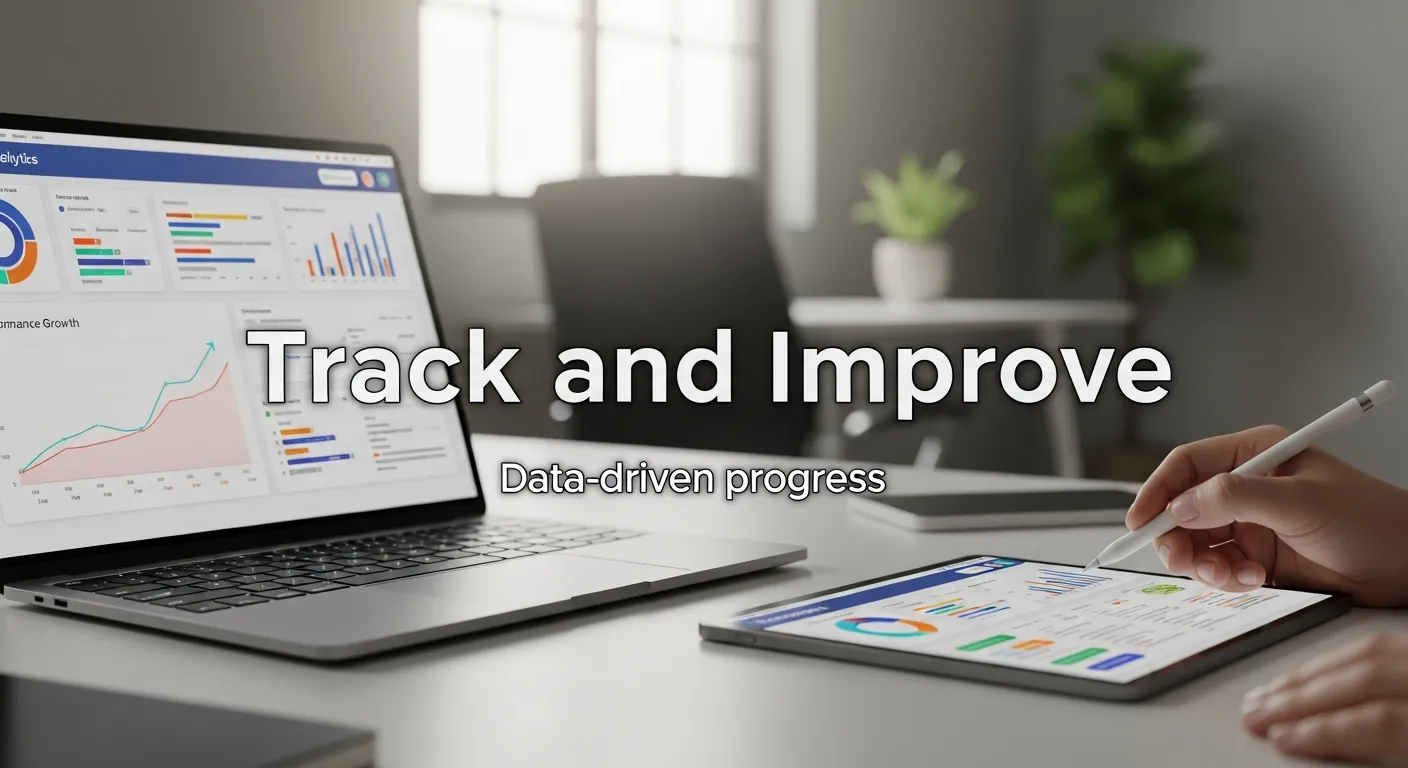
Marketing doesn’t stop after launch. Keep an eye on:
- How many people download your app
- Where do they come from
- How they use the app
- What they like and dislike
Use tools like:
- Google Analytics (for websites)
- Firebase (for app usage and performance)
- Play Console (for app stats and reviews)
Keep improving your app and marketing based on feedback.
Use Data-Driven Marketing Decisions
Modern app marketing relies heavily on data. By tracking user behavior, installs, engagement, and conversions, you can understand what works and what doesn’t. Data-driven decisions allow you to optimize campaigns for better performance and lower costs.
Important metrics to track:
- Daily active users (DAU)
- Monthly active users (MAU)
- User acquisition channels
- Conversion rate
- Retention rate
Using insights from analytics tools, you can refine your mobile app marketing strategy and improve both performance and ROI.
Performance Marketing for Mobile Apps
Performance marketing is a results-driven approach that focuses on measurable actions, such as installs, sign-ups, or purchases. It ensures your marketing budget generates real value.
Key Points:
- Pay-per-install campaigns: You pay only when users download the app.
- Retargeting ads: Engage users who installed but didn’t interact.
- In-app purchases tracking: Measure revenue generated through marketing campaigns.
- Cross-platform campaigns: Promote across Google Ads, Facebook, TikTok, and YouTube.
Example Performance Metrics :
| Metric | Description | Ideal Benchmark |
|---|---|---|
| Cost per Install (CPI) | Amount spent to get one user download | $0.50–$2 |
| Click-through Rate (CTR) | % of users clicking your ads | 2–5% |
| Retention Rate | Users returning after 7 days | 30–40% |
| Lifetime Value (LTV) | Total revenue generated per user | $10+ |
Content Marketing for Mobile Apps
Content marketing helps you engage users and build trust by providing valuable information related to your app. It boosts organic traffic and strengthens brand awareness.
Key Points:
- Blog posts: Solve user problems, explain app features, give tips.
- Guides & tutorials: Show how your app helps users efficiently.
- Case studies & user stories: Demonstrate real-life app benefits.
- Social media posts: Share updates, tips, and reviews consistently.
Content Strategy :
| Content Type | Purpose | Frequency |
|---|---|---|
| Blog posts | Educate users, improve SEO | 1–2 per week |
| Video tutorials | Show app usage visually | 1 per month |
| Social media posts | Engage and inform users | 3–5 per week |
| Email newsletters | Retain users and promote new features | 2 per month |
Final Thoughts
At first, marketing your Android app might seem a bit daunting, but with the right steps taken, it can get easier. The first stage of app marketing involves choosing your target audience strictly, presenting your app to the audience in the best possible way, and then spreading it all over wherever users of that application are fond of gathering.
Don’t harness evermore. Choose several strategies and test them one by one until they are perfected. This way, with time and effort, your app will touch the right users and grow.
Frequently Asked Questions (FAQs)
1. What is Android app marketing?
Android app marketing is the process of promoting your app to reach the right audience, increase downloads, improve engagement, and ensure long-term success in a competitive market.
2. Why is ASO important for apps?
App Store Optimization (ASO) improves your app’s visibility in search results, increases organic downloads, and helps users find your app faster, ultimately boosting engagement and retention.
3. How can I know my target audience?
Understand your target audience by analyzing their age, interests, challenges, and app usage behavior. This helps you create tailored messages that attract users who truly benefit from your app.
4. Do I need a website for my app?
Yes, a website or landing page builds trust, provides app details, allows SEO visibility, and serves as a central hub for updates, blog posts, and download links.
5. Which social media works best for apps?
Platforms like Instagram, Facebook, X (Twitter), TikTok, and LinkedIn work well. Sharing engaging posts, updates, tips, and reviews helps increase app awareness and drive downloads.
6. Are promo videos necessary?
Yes, short promotional videos demonstrate your app’s features, usability, and benefits visually, helping potential users quickly understand its value and encouraging higher conversion rates.
7. Should I contact bloggers and YouTubers?
Yes, reaching out to bloggers and YouTubers who review apps can increase credibility, improve visibility, and attract a larger audience, generating more downloads and potential long-term users.
8. How often should I update my app?
Regular updates are crucial to fix bugs, improve functionality, add new features, and keep users engaged, which results in better reviews, retention, and long-term success.
9. Is email marketing useful for apps?
Yes, email marketing keeps users informed about updates, tips, new features, and offers. It increases user engagement, encourages app usage, and strengthens loyalty and retention.
10. What analytics tools should I use?
Use tools like Firebase, Google Analytics, and Play Console to track downloads, user behavior, retention, and engagement, helping you make data-driven decisions to improve app performance and marketing.